
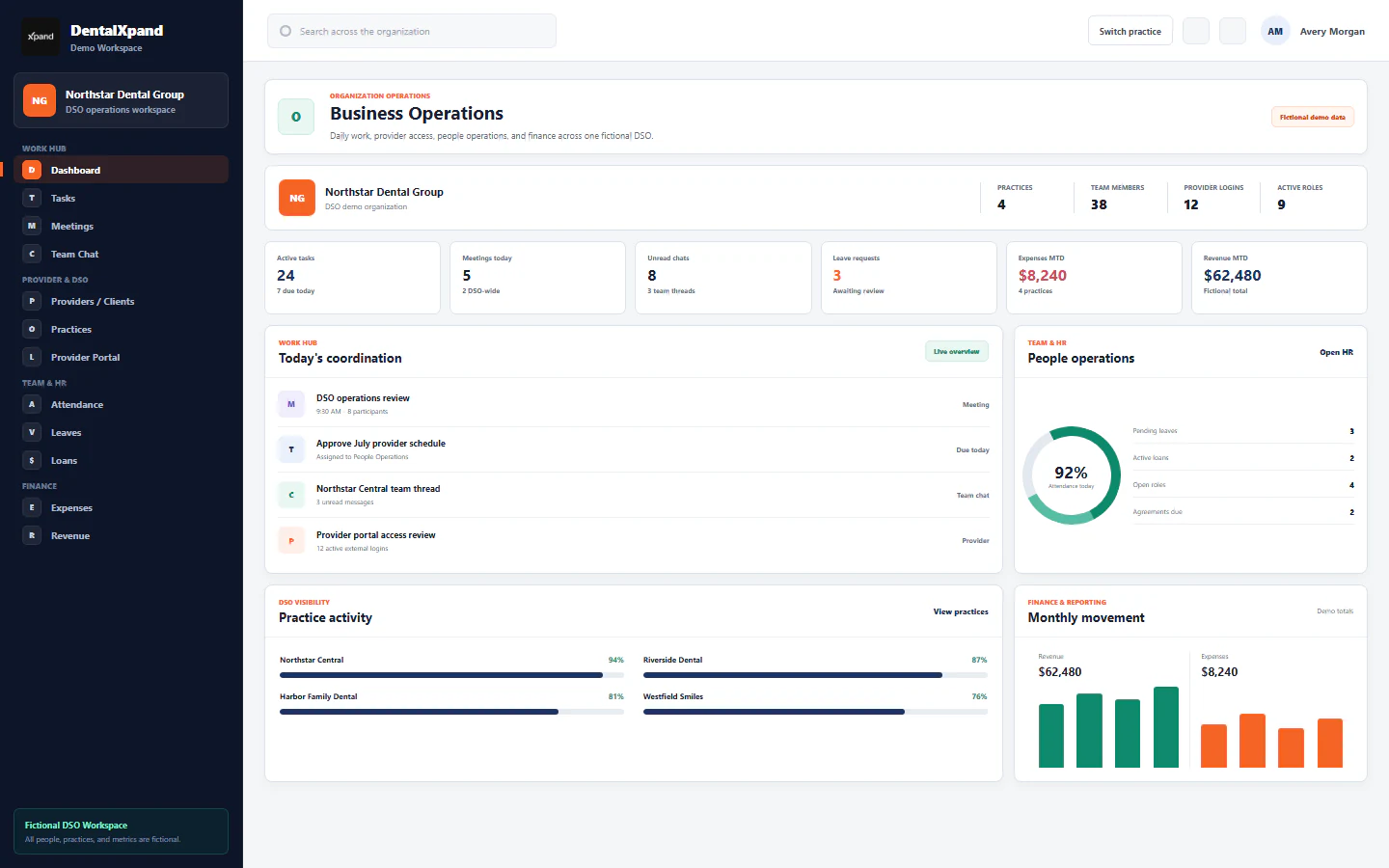
A provider recruiting workflow for multi-practice dental groups
See how a dental group can track provider openings, candidates, interviews, offers and onboarding handoffs across practices.
An opening needs an owner and a reason
When one dental practice needs a new provider, the request often starts in operations while the candidate conversation lives with recruiting. Leadership needs to know which office has a real vacancy, which role is being added for growth, and what date the coverage is needed. A shared opening record can carry the practice, role, planned hours, reason, date identified and target start date before the team begins searching. This matters more than a generic candidate list: an application only has useful context when someone can connect it to a need.
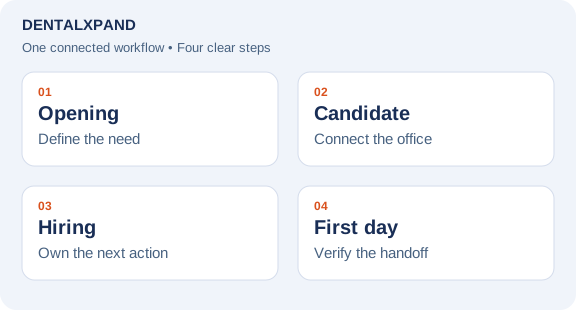
In DentalXpand, teams can record an open position and connect a candidate to a target office and opening. The recruiting team can also add someone to a general talent pool when the destination office is not decided. Position details can fill candidate fields, while a team member can review and edit those suggestions. This keeps a first conversation from being mistaken for an approved offer or a confirmed start.
Keep a candidate’s path in one record
A practical pipeline starts with contact details and source, then documents screening, an interview, an offer, agreement steps and the handoff to joining. At each stage, record who owns the next action and when it is due. For example, after an interview, the recruiter may need clinical feedback before an offer can be prepared. A status label alone will not reveal that delay; a dated activity and next owner will.
DentalXpand supports candidate profiles connected to practices and openings, interview and offer activity, and joining actions. Public career applications can enter the pipeline, but a matching email or phone is not proof that an application belongs to an existing candidate. A person must review identity before linking records. The optional NPPES lookup is a reference to public registry data, not identity, license, or credential verification.
Separate recruiting progress from completion evidence
Use the weekly review to ask three concrete questions for each opening: Is the position still needed? Which candidate or sourcing action moves it forward? What is blocking the next stage? Compare the opening date with the first candidate, interview, offer and first-day dates where those timestamps exist. If a candidate declines, record the stated reason so the team can look for recurring concerns. Do not treat missing dates as zero-day turnaround or a projected start as an actual start.
The record should show the boundary between recruiting and credentialing or onboarding. An offer is not a signed agreement, and a signed agreement is not evidence that a provider is ready to see patients. Review required documents, practice access, scheduling and other joining tasks with the responsible people before marking the handoff complete. Email and signature actions also depend on the organization’s configured services.
A simple weekly hiring review
- Filter openings by practice, role, status and target date.
- Confirm the current owner and next action for every active opening.
- Review candidates by stage and identify any interview or offer waiting on another team.
- Check known departures against the target coverage date, without presenting a forecast as a fact.
- Record the decision and due date in the opening or candidate record.
For a walkthrough of the connected product areas, see DentalXpand provider recruitment and operations or book a demo. The exact fields and access available to each user depend on the organization’s configuration.
Frequently asked questions
Can a candidate be saved before an office is chosen?
Yes. The candidate can remain in the talent pool while the team confirms the target practice and opening.
Does an NPPES match verify a candidate’s identity or license?
No. NPPES is a public registry reference. The hiring and credentialing teams still need their own checks.
Can a public application be linked automatically to an existing candidate?
A matching contact detail is not sufficient. A team member must review identity and record evidence before linking.
What should a weekly recruiting dashboard show?
At minimum: open needs, target dates, candidate stages, next owners, overdue actions and dates that show where a handoff is waiting. The usefulness of a metric depends on complete records.
Is an offer the same as a completed hire?
No. Agreement, credentialing, onboarding and actual first-day evidence are separate steps.
Put this workflow into practice. Explore Dental Recruiting Software for Practices & DSOs.
Need workflow support?
Bring the question and the exact step where you are blocked.
Explore how this guide connects to provider operations and recruitment.