
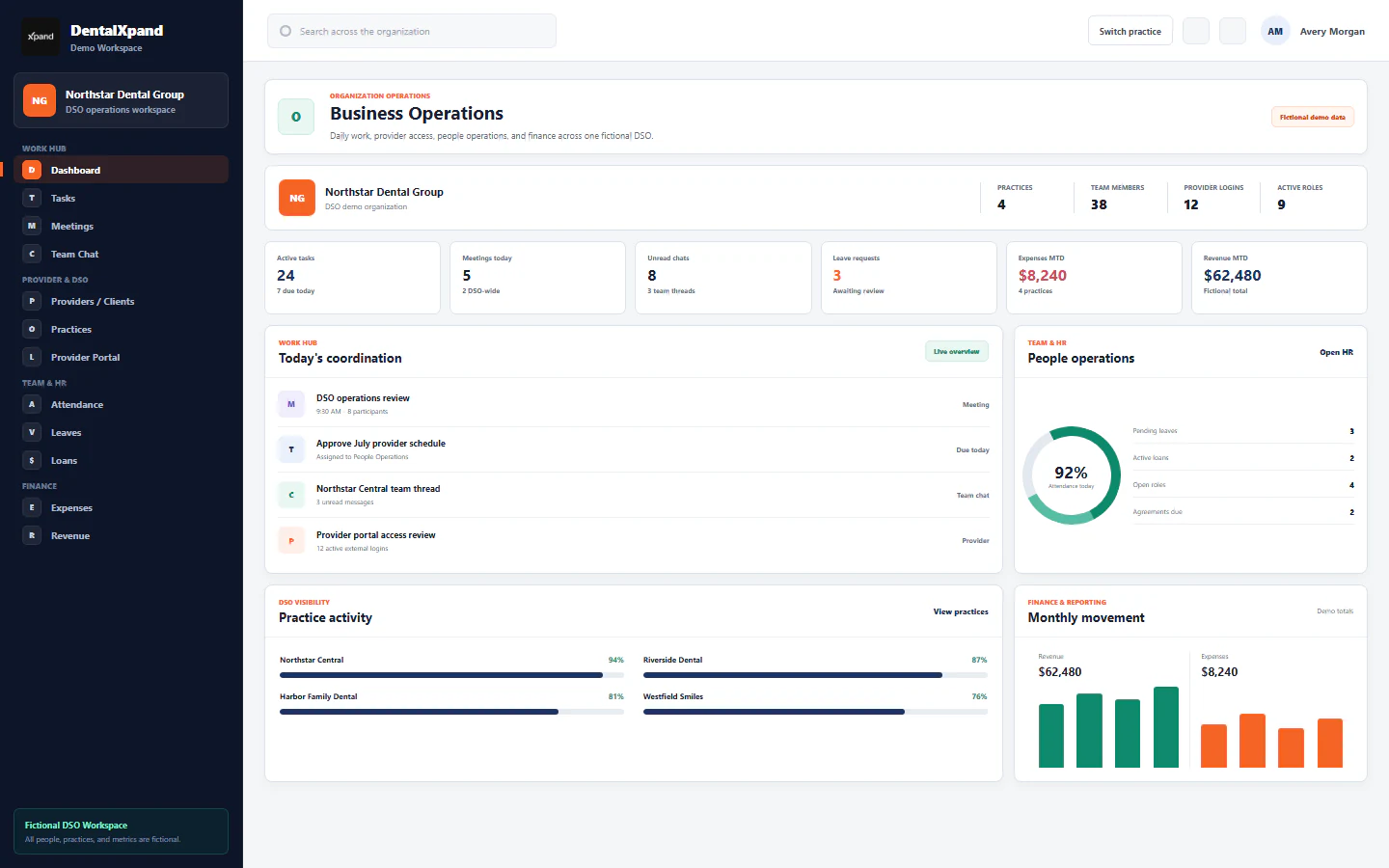
Keep work connected
An accepted provider offer should carry its agreement and practice context into onboarding, so the next team can continue with the record.
The platform and the people behind it
We help dental teams bring provider, revenue and daily operational work together. An assigned account manager and hands-on training help your people put the workspace to use.
Our purpose
Daily dental work crosses practices, providers, payers, employees, clients, and specialist teams. DentalXpand is designed to keep that work connected while preserving the ownership, evidence, and access boundaries each workflow needs.

Hands-on SaaS training
You get an assigned account manager and 2–3 live sessions per week during training. Your team shares its screen, asks questions and completes the workflow with a trainer alongside.
The goal is practical confidence: knowing where to start, how to complete the task and what to do next in your own workspace.
Discuss your team’s training2–3live sessions / week
Start in your workspace with the task you are learning.
Follow the steps together and ask questions as you go.
Your team stays at the controls and builds hands-on experience.
Your assigned account managerA clear point of contact as your team gets started.
Product principles
An accepted provider offer should carry its agreement and practice context into onboarding, so the next team can continue with the record.
When a claim needs another call or a provider raises a concern, record the owner, the due date and the next action instead of leaving an unassigned note.
Give a biller the assigned revenue work and a provider the intended portal records. Update access when responsibilities change.
The complete platform
Explore the inputs, outputs and responsibilities for each area. Start with the work your team needs now.
Who it serves
When the front office and billing team lose track of the same request, give them a benefits record, a task owner and a clear next action.
Explore verification →When hiring spans several practices, keep the opening, candidate, agreement and next owner connected to the right office.
Explore provider recruiting →When claim updates are scattered, organize returned status, aging and follow-up notes around the client and practice.
Explore claims and AR →When a progress update is hard to find, use a focused portal for assigned records and a clear route to share the details your team needs.
Explore focused access →Trust by design
The platform is structured to keep organizations and practices separated while giving authorized users the context they need.
Records and memberships are associated with the active organization.
Assigned practices narrow the operational scope available to each user.
Role and page permissions shape available workflows and administrative actions.
AI assistance is designed to use the organization and role context available to the current user.
A practical start for your team
Common questions
Clear answers about product scope, workflows and setup.
It connects dental provider workflows, revenue operations, credentialing and team coordination in an organization-aware workspace.
Independent practices, multi-practice groups, DSOs and dental operations teams that need connected workflows.
It is operations software for coordinating billing-related workflows and does not claim every plan includes outsourced billing staff.
Provider workspaces connect recruiting stages and onboarding with post-hire check-ins and follow-up records.
Teams can review roles, practice access, enabled pages and external connections during setup.
No. It is designed to connect operational tasks around existing practice management systems.
External integrations depend on third-party accounts, authorization and setup; teams can review requirements before enabling workflows.
Explore the features, services and resource pages or contact DentalXpand for a walkthrough.
Yes. DentalXpand assigns an account manager so your organization has a clear point of contact as your team gets started.
We provide 2–3 live sessions per week during training. Your team shares its screen and completes the workflow itself, with a trainer explaining the steps and answering questions. The focus is hands-on experience in your workspace.