Start here: understand the DentalXpand workspace
Set up a secure first session, confirm organization and practice scope, understand role-based navigation, and choose the correct DentalXpand learning path.
Open guide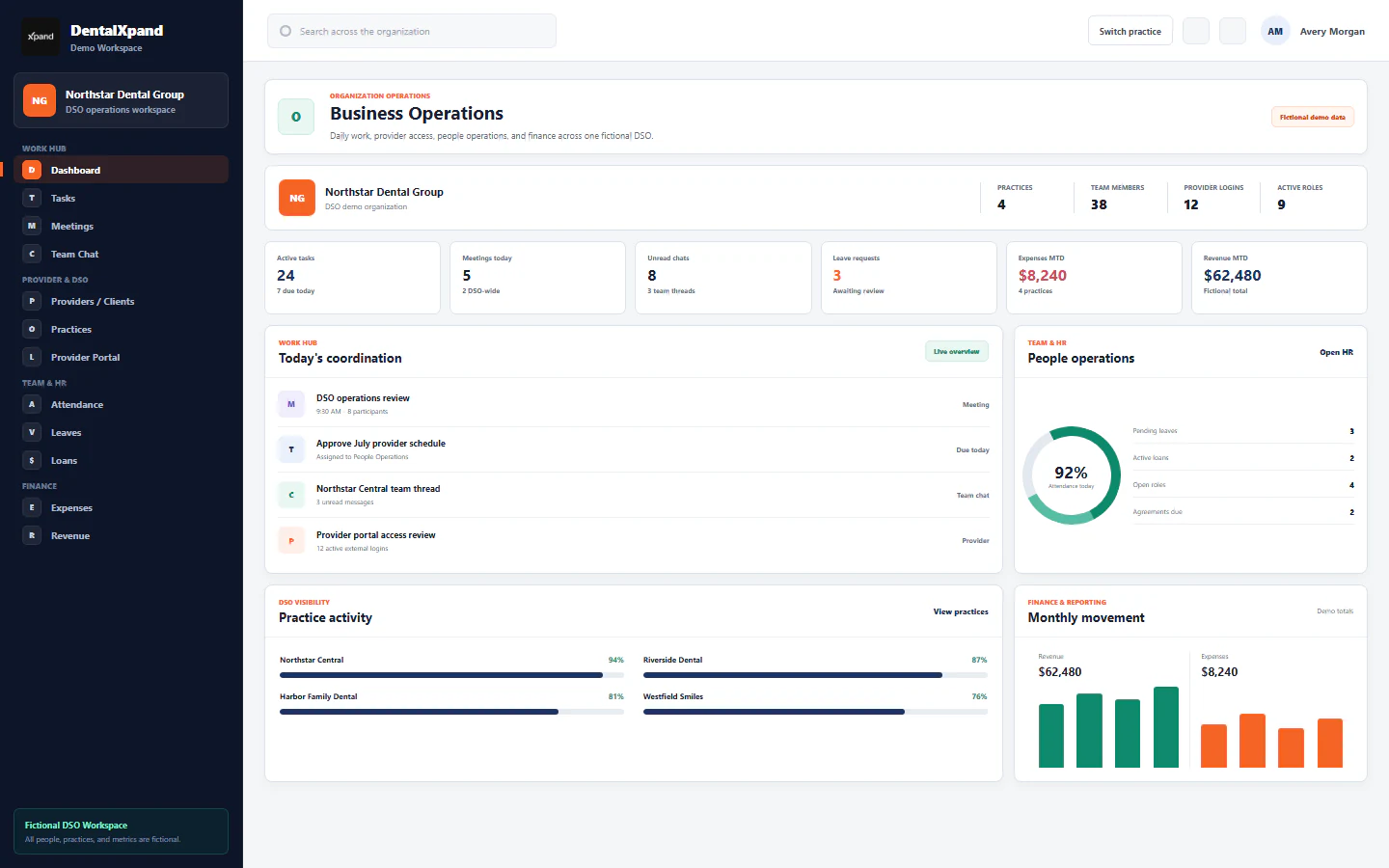
DentalXpand learning center
Find a practical guide for the work in front of you. Explore provider hiring, check-ins, insurance follow-up and everyday DentalXpand workflows—with steps you can return to when you need them.
Guide library
Set up a secure first session, confirm organization and practice scope, understand role-based navigation, and choose the correct DentalXpand learning path.
Open guideSign in securely, complete first-time password setup, understand post-login routing, recover from access errors, and know when an administrator must help.
Open guideCreate a first password, replace a temporary credential, change your own password, recover from failed attempts, and complete authorized administrator resets safely.
Open guideConfirm the active organization, understand organization-wide and assigned-practice access, prevent cross-tenant work, respond to unavailable workspaces, and use audited platform support context correctly.
Open guideUse role-aware sidebar sections, active-page cues, personal pinned shortcuts, collapsed desktop navigation, and the mobile drawer without confusing navigation visibility with authorization.
Open guideUnderstand protected and custom roles, exact page and action permissions, authoritative per-user access, organization and practice scope, direct-route handling, and the backend and database controls behind the interface.
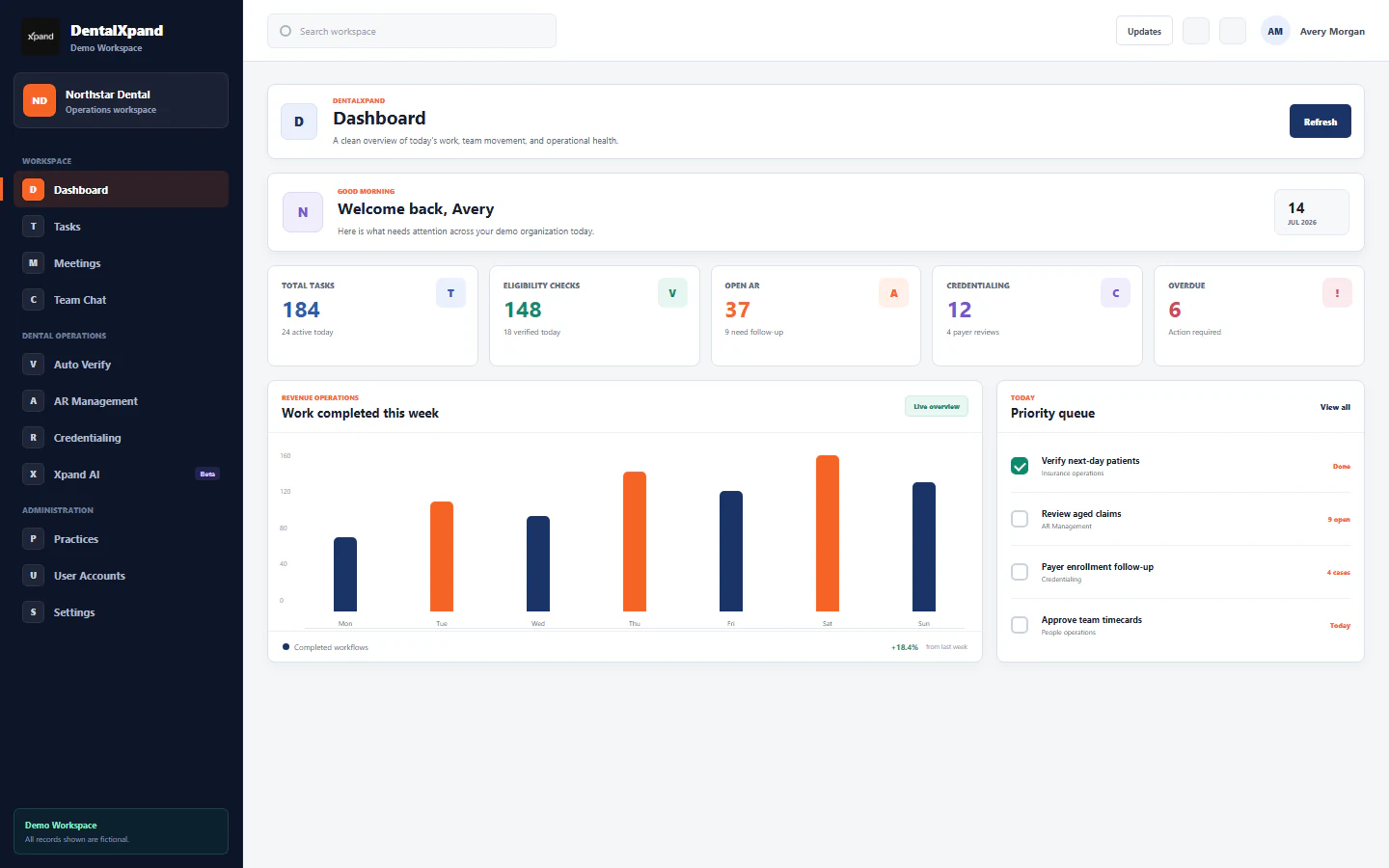
Open guideUse the role-specific DentalXpand Dashboard to scan operational exceptions, open source modules, refresh data, interpret admin, employee, and provider views, and respond safely to loading, empty, failed, or unauthorized states.
Open guideManage DentalXpand tasks from access and assignment through progress steps, comments, client instructions, timers, Work Diary review, provider requests, troubleshooting, and secure completion.
Open guideSchedule and manage DentalXpand meetings with calendar and list views, participants, RSVPs, notifications, join links, live video or audio, recurring events, organizer actions, and secure access boundaries.
Open guideUse DentalXpand video and audio meetings safely: start from an authorized meeting, manage camera and microphone permissions, use available screen sharing carefully, minimize or rejoin, copy invitations, understand local recording safeguards, and resolve token or device states without bypassing access.
Open guideUse direct, group, and team conversations with role-aware contacts, mentions, message state, image uploads, voice notes, pop-out chats, safe call handoff, and tenant-aware security boundaries.
Open guideUse the personal notification center, search and view controls, read states, reminder overlays, browser permissions, Web Push conditions, privileged broadcasts, and tenant-safe incident handling.
Open guideFind your learning path
Choose a topic to find complete guides. Ready counts show what you can read now; the roadmap below shows the wider learning plan.
Understand the workspace, navigation, organization scope, and recommended learning order.
Learn the shared daily workspace used to plan, discuss, and complete operational work.
Operate practice, DSO, billing-company, provider, and client access with the right scope.
Follow verification, billing, claim, and accounts-receivable workflows step by step.
Learn provider-data collection, payer cases, documents, follow-up, and client reporting.
Teach the people workflows behind teams, attendance, time, leave, loans, and hiring.
Explain authorized expense, revenue, reporting, and practice-context workflows.
Cover lead research, outreach, calling, ownership, and pipeline follow-up.
Teach users, roles, practices, organization settings, and tenant-aware access boundaries.
Use Xpand AI and focused automation within the current role and organization context.
The learning roadmap
Open the roadmap to explore current and planned topics. Each guide shows its status, and downloadable PDFs are linked where available.
See how organizations, practices, roles, and product areas fit together before feature-specific training.
Use the correct DentalXpand sign-in flow and understand what happens after authentication.
Complete first-login password setup, required password changes, and administrator-assisted resets.
Confirm which organization, practice, and tenant boundary applies before opening or changing records.
Use the responsive sidebar, expandable sections, active-page cues, and personal pinned shortcuts.
Learn why pages differ by role and how page permissions protect direct links as well as navigation.
Read operational signals, workload summaries, quick actions, and role-specific dashboard information.
Create, assign, prioritize, track, discuss, and complete work with structured task steps and time logs.
Create meetings, invite participants, use calendar and list views, and track attendance status.
Join real-time calls, manage camera and microphone controls, and share a screen safely.
Start direct or group conversations, use current image uploads and voice notes, and manage unread activity.
Review alerts, mark activity read, and control browser or desktop notification delivery.
Upload, organize, preview, download, and remove workspace files according to permissions.
Create durable client instructions, track versions, and use structured options in assigned workflows.
Review and update permitted account and employee profile information without changing protected admin fields.
Ask for help, submit workplace feedback, and use the persistent quick-support experience.
Create and maintain provider or client records, operational contacts, status, and practice relationships.
Set up practice records and control which users and providers can work inside each practice.
Sign in as a provider or client and use the focused portal navigation available to external roles.
Connect provider users to the correct organization and practice without exposing another client workspace.
Coordinate organization-wide operations, confirm actual practice context, compare locations, and keep shared and practice-specific work correctly scoped.
Prepare counsel-approved BAA and service agreement drafts, verify legal and commercial terms, generate PDFs, save tenant-scoped records, and send through connected Gmail.
Apply organization identity, logos, colors, and client context without crossing tenant boundaries.
See how a dental group can track provider openings, candidates, interviews, offers and onboarding handoffs across practices.
Plan provider check-ins after hire, review concerns, assign owners and follow through across dental practices.
Work assigned accounts-receivable follow-ups, document outcomes, and move each account to its next action.
Filter AR records by date and aging, review risk groups, and export operational reports.
Navigate the medical billing workspace for eligibility, claims, remittance, follow-up, and supporting PDFs.
Connect Claim.MD, locate payer information, and run authorized eligibility searches.
Search remittance data, pull batches, generate supporting PDFs, and preserve follow-up history.
Enter benefit information carefully, verify the result, and generate a client-ready report.
Upload a source PDF, extract mapped information, review every field, and finish the VOB workflow.
Submit eligibility checks, review payer evidence and AI assistance, use audit history, and export verified results.
Run approved AR automation while preserving ownership, evidence, and human review of next actions.
Understand how DentalXpand connects payer lookup, eligibility, claim-status, and evidence responses.
Upload a patient CSV, start Verify All, and get detailed benefits PDFs from available payer responses. Track exceptions and coordinate dental AR follow-up.
Learn the two-page credentialing operating model, dashboard signals, ownership, and payer case flow.
Give providers a focused view of assigned credentialing requests, missing items, and progress.
Complete the provider profile, identifiers, education, disclosures, banking, and signature information.
Upload, classify, review, and maintain provider documents used across payer cases.
Create payer requests, apply state and request-type requirements, assign owners, and plan follow-up.
Review disclosures, map answers and documents, generate a payer packet, and resolve validation issues.
Record email, fax, portal, mail, and manual submissions and keep follow-up evidence in one timeline.
Share a clear client-facing view of cases, status, follow-up, and outstanding requirements.
Create teams, assign members and leads, and connect daily work to the right operating unit.
Find colleagues, roles, departments, and approved contact information.
Create and maintain employee profiles, assignments, compensation context, and employment status.
Track daily attendance and let authorized managers review hours, lateness, overtime, and payroll signals.
Start and stop task timers, preserve time entries, and review daily or period totals.
Understand active tracking, periodic screenshots, activity signals, access, and retention responsibilities.
Request leave, attach support, follow the approval chain, and review balances and calendar views.
Submit a loan request and track recommendation, approval, installments, disbursement, and completion.
Move applicants through recruitment, score structured evaluations, and record leadership recommendations.
Maintain positions, departments, interview questions, and scoring limits used by recruitment.
Prepare agreement forms, generate documents, and preserve signed employment records.
Issue, review, revoke, and archive formal employee warning or appreciation notices.
Record expenses, attach receipts, and complete approval or rejection with clear ownership.
Track revenue sources, clients, invoices, payment state, and operating-period totals.
Filter authorized management data, interpret operational metrics, and export CSV or PDF reports.
Find relevant business leads from approved sources and preserve search context and ownership.
Start approved scraping jobs, monitor progress, review local history, sync results, and export leads.
Review lead records, edit business details, apply tags and signals, and compare geographic context.
Move leads through call stages, record outcomes and notes, and schedule the next follow-up.
Authorize Gmail sending, prepare compliant outreach, and preserve recipient, content, and delivery history.
Create synchronized meetings and maintain approved website or knowledge sources for outreach assistance.
Create users, assign role and practice context, update status, reset passwords, and remove access safely.
Create organization roles, protect system roles, and maintain clear responsibility boundaries.
Grant only required pages and verify that hidden navigation and direct URLs enforce the same decision.
Manage personal and organization settings, display preferences, desktop downloads, and integration configuration.
Work with authorized organization data and secure internal records without exposing client-restricted information.
Review DentalXpand SaaS organizations, subscriptions, usage signals, and platform-level operations.
Create a tenant, establish its owner, configure initial access, and handle owner password resets.
Maintain plan definitions and control tenant subscription, suspension, and access state.
Send platform notices and open reason-documented, time-limited tenant support access.
Review and run authorized user or client synchronization while preserving organization mapping and failures.
Export approved system data, import carefully, and understand recovery and environment boundaries.
Apply least privilege, protect credentials, review audit evidence, and respond to suspected access issues.
Start a conversation, ask a focused operational question, and review answers before acting.
See how role, organization, provider, employee, verification, and knowledge context shape an answer.
Attach supported images or documents, review extracted text, and keep sensitive information inside approved workflows.
Understand local and remote deployment modes, connection status, and administrator-controlled model settings.
Review locally remembered conversations, start a clean chat, and understand device and workspace retention.
Understand sanitized review records, human approval, and controlled promotion to retrieval or model material.
Understand the approved knowledge collections that support product and practice-management answers.
Convert difficult names, identifiers, and call details into clear phonetic spelling for payer conversations.
A repeatable teaching model
Start with the provider recruiting guide to see how a need becomes an owned hiring workflow.
Use the verification and AR guide to work from the input list to the returned report.
Use the retention check-in guide to confirm the follow-up owner and the next action.
Recruiting guide · Verification & AR guide · Retention guide
Common questions
Clear answers about product scope, workflows and setup.
Find product and workflow guides for dental operations, provider work, revenue workflows and organization setup.
Resources help dental teams understand product workflows across single and multi-practice settings.
Use resource topics and search to find provider recruiting, onboarding and retention guides.
No. They explain product workflows and general operations; check payer responses with the payer and authorized staff.
Use the search box and topic filters to narrow guides to a workflow or feature. Complete guides appear by default. Choose All stages to include planned lessons, or open the learning roadmap to see upcoming topics.
Contact DentalXpand and describe the workflow or question you would like covered.