
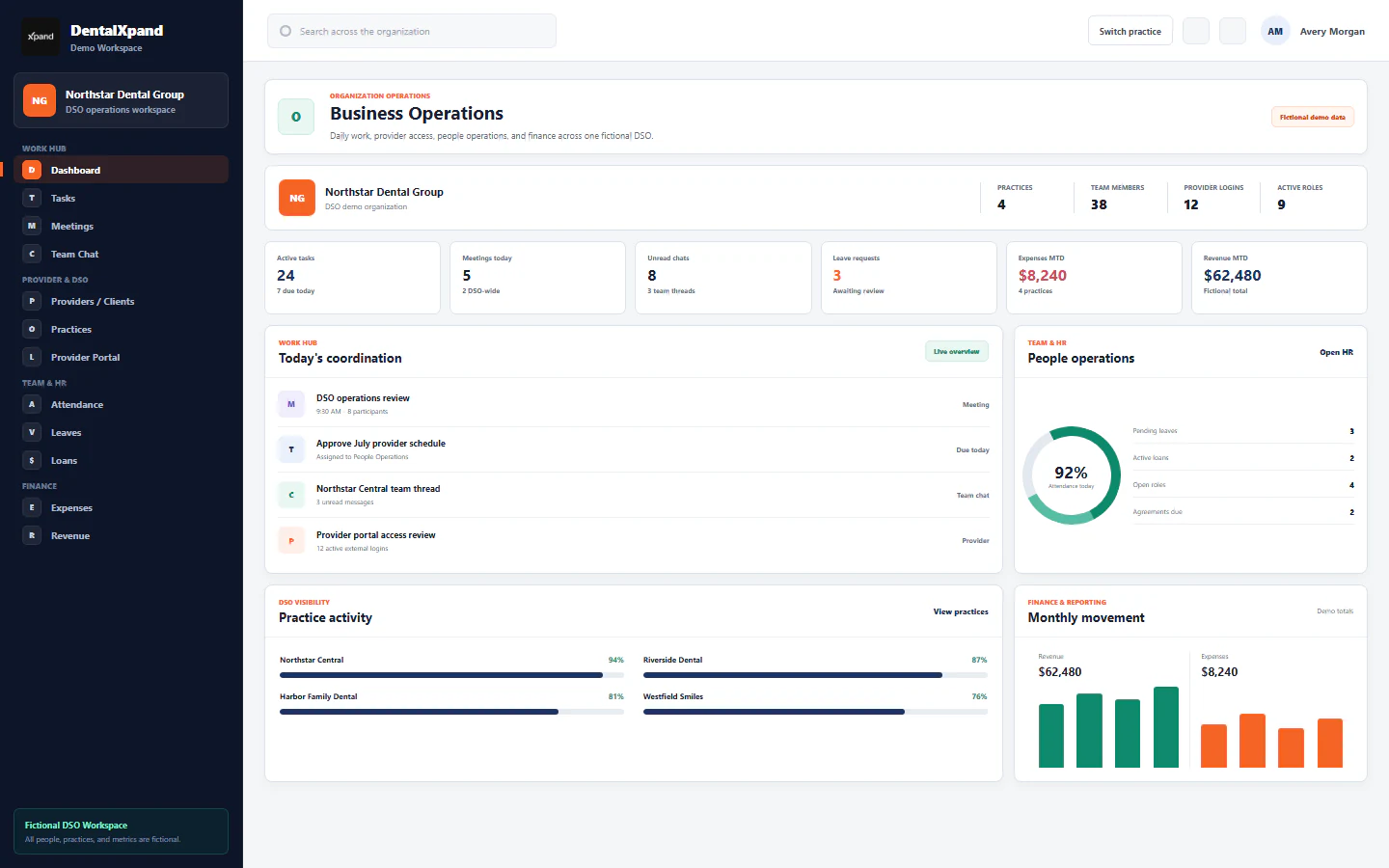
Provider retention check-ins that lead to follow-up
Plan provider check-ins after hire, review concerns, assign owners and follow through across dental practices.
The first year is a series of conversations
A new dentist or hygienist can have a smooth first day and still run into scheduling, support or practice-fit problems later. A retention program should invite feedback at known points, make concerns visible to the right leaders and document whether anyone followed up. A survey response by itself does not solve a staffing problem.
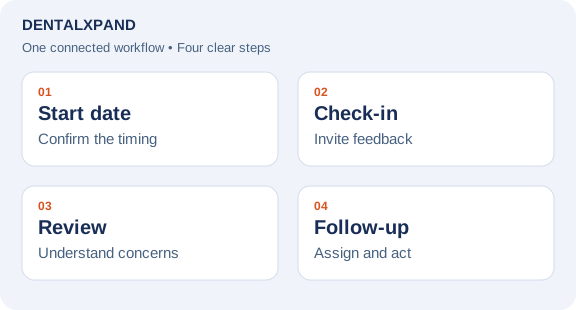
DentalXpand’s retention workflow is designed around a confirmed provider start date. When survey email is enabled, the planned checkpoints are two weeks, one month, three months, six months and twelve months after the start. Authorized leaders can also request a manual check-in when a specific situation needs attention. The dates and invitations should be reviewed in the organization’s live setup before relying on them; incomplete start dates and email configuration affect delivery.
Ask questions the team can act on
Early questions should focus on whether the provider received the promised onboarding support, whether the schedule matches expectations and whether someone can remove immediate barriers. Later check-ins can address workload, clinical and operational support, leadership relationships and intent to stay. The point is to identify a concrete next action, not to manufacture a single satisfaction score.
Responses need a defined review path. A leader should decide whether a concern needs a private conversation, a practice-level change, or no action beyond acknowledgement. When follow-up is needed, assign a person and due date, keep the case tied to the response and record what happened. Access to individual responses should follow the organization’s roles and privacy practices. A provider’s comments should never be presented as a public testimonial without separate written permission.
Use trends carefully
A weekly leadership review can count upcoming check-ins, responses awaiting review and cases with overdue follow-up. Compare groups only when the number of responses and timing make the comparison meaningful. A falling score or a single critical response is a prompt for a conversation, not a prediction that someone will resign. If a provider has already left, record the departure reason separately from survey feedback.
Teams should document the next step in plain language: for example, “practice manager to review schedule with provider by Friday.” Then close the loop with the provider, rather than marking a case resolved solely because someone opened it. This makes the process useful to both the provider and the DSO leadership team.
See DentalXpand provider retention, check-in workflows, or request a demo for the related product areas. DentalXpand can organize check-ins and follow-up; it cannot guarantee an individual provider will remain with a practice.
Frequently asked questions
When should a new dental provider receive a check-in?
The configured DentalXpand cadence is two weeks, one, three, six and twelve months after a confirmed start date when survey email is enabled. Organizations should review the actual dates and delivery setup.
Can a leader send a check-in outside that schedule?
The product includes a manual check-in path for authorized users. It is useful when a concern arises between scheduled points.
Is a low score proof that a provider will leave?
No. It is a reason to review the response and speak with the provider, not a reliable prediction by itself.
Who should act on a concern?
The organization should assign an owner and due date to the case. The right owner depends on the issue and the user’s access.
Can survey answers be used as website testimonials?
No, not without separate written permission for that exact use. Internal feedback and public marketing have different purposes.
Put this workflow into practice. Explore Dental Provider Retention & Check-In Software.
Need workflow support?
Bring the question and the exact step where you are blocked.
Explore how this guide connects to provider operations and recruitment.