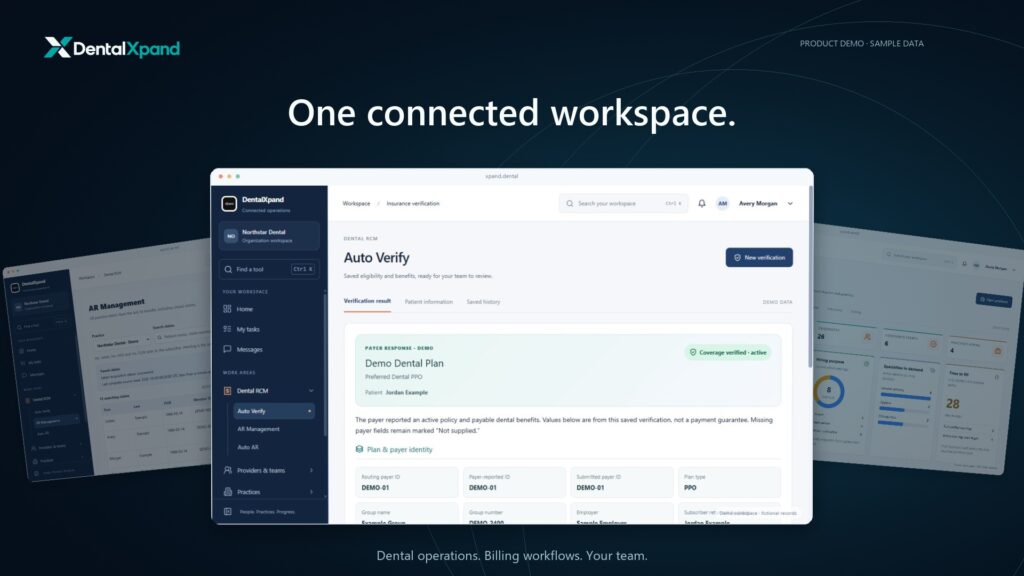
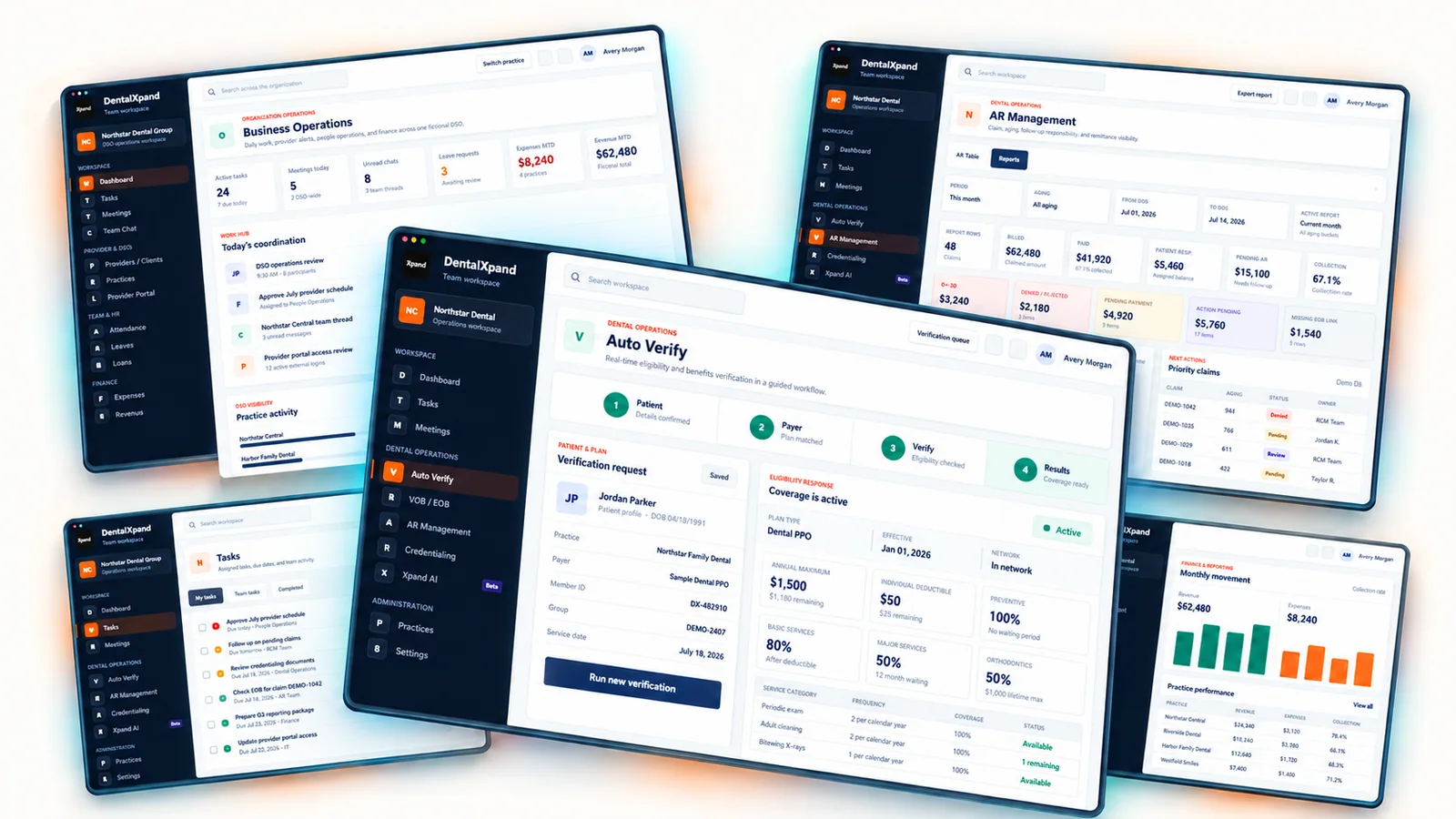
What is DentalXpand?
DentalXpand is software for dental operations and billing. Practices, DSOs and billing companies use it for insurance verification, claims follow-up, payment posting, provider hiring and team tasks. It works alongside your clinical PMS. The billing actions available depend on your PMS, payer and setup.
Does Xpand replace our dental practice management system (PMS)?
No. Keep your PMS for clinical charting and scheduling. Xpand handles billing and team tasks around it. Before activation, confirm your PMS version, records Xpand can access and updates it can make.
Can workflows run automatically?
Yes. You can start a batch yourself or run it on an enabled schedule. For example, your team can check tomorrow’s patients before their appointments. Before rollout, confirm the trigger, checks, PMS updates and person responsible for exceptions. A job starting does not mean every update succeeded.
How can a DSO manage multiple dental practices in Xpand?
Organize work by practice and give each person access to the locations they manage. Local teams can focus on their practice while authorized leaders review work across the group.
How does dental insurance verification work in Xpand?
Check one patient, upload a list or use records from your connected PMS. These six options cover different inputs and schedules:
- Connect your PMSStart verification from records available through your PMS connection.
- Verify tomorrow's patientsCheck the next-day patient list from your connected PMS.
- Use AutopilotRun verification on the trigger or schedule enabled for your practice.
- Upload a patient CSVCheck a prepared patient list in a batch using the required details.
- Choose a calendar dateSelect an appointment date where this option is available.
- Check one patientEnter patient details to retrieve available eligibility and benefits.
Download completed benefit forms or send them to your connected PMS. Live checks retrieve available payer responses; document uploads organize the information you supply. Patient details, payer availability and connections affect the results. Document tools and Xpand AI offer separate ways to work with available information.
What does Xpand do for dental RCM and AR follow-up?
Xpand helps your billing team check claim status and work through unpaid claims. Start with a document, claims CSV, individual claim, practice follow-up list or an Xpand AI request:
- Upload a claim responseOrganize a scanned document, text, CSV or PDF for your team to review.
- Follow up in bulkUpload a claims CSV and check status across the list.
- Check an individual claimEnter the patient and claim details to retrieve an available status update.
- Work through your follow-up listReview claims in your connected practice worklist and identify the next action.
- Ask Xpand AIRequest a claim-status check or a follow-up task available through AI chat.
Xpand also offers downloadable reports, updates to connected PMS records and tables, automatic payment posting and automatic secondary claim submission. It does not submit primary claims. Your team handles exceptions and next steps. The actions available depend on the payer, enrollment and connections enabled for your practice. Confirm remittance access, supported PMS actions and any required review or approval during setup. For secondary claims, confirm the enabled production route and payer enrollment.
How does Xpand support dental provider recruitment and retention?
Track recruitment, interviews, offers and onboarding, then use provider check-ins and surveys to follow up on concerns. Feedback can have an owner, updates and provider replies. Named responses can link to a provider record; optional unnamed responses omit that link. Reviewers only see feedback within their assigned practice or organization. Unnamed does not mean anonymous: practice context and written details may identify the person.
How does role-based access work for dental teams?
Administrators assign roles, pages and practice access. For example, a recruiter and a practice manager can see different pages, while leadership can have access across locations. Each person sees the work and practices they are authorized to manage.
What can we review in a DentalXpand software demo?
Bring a real task your team wants to improve, such as checking tomorrow’s patients, following up on unpaid claims or hiring a provider. We’ll walk through the relevant features, your team’s roles and the connections your practices would need.
Can we check whether our insurance payers are supported?
Yes. Search payer names and IDs in the payer directory and check the listed transactions. Those listings describe the clearinghouse network. Your practice’s access depends on the plan, transaction, provider enrollment and connection. Bring your payer list to the demo so we can confirm what your practice needs.
Will Xpand automatically sync with our practice software?
Xpand can sync through a live connection to Open Dental, Eaglesoft, Dentrix Core, Dentrix Enterprise, Dolphin or Dentrix Ascend. Other PMS connections are in development. We handle setup, and data is ready within 24 hours after your PMS is connected. Confirm your version, records, actions, update permissions and refresh intervals during the demo; these determine what syncs automatically. Once your account is created, you can start with uploaded patient data while PMS onboarding is arranged.