↗Scheduled
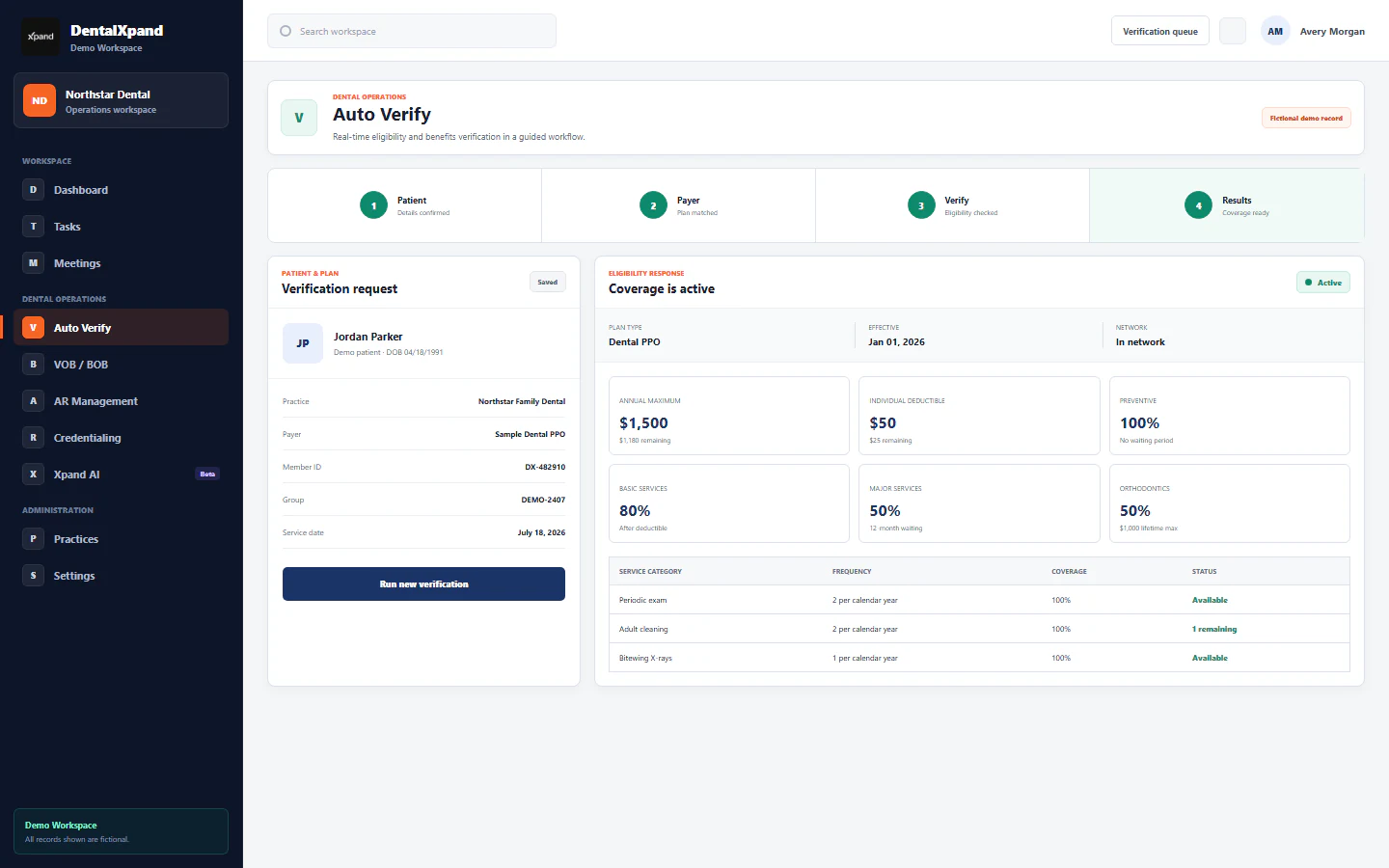
Check returned benefits before the visit
Scheduled insurance verification and PMS updates.
Review missing or unclear returned benefits before estimating patient costs.
Confirm payer/PMS action scope for your setup.
View workflow details +
- Starts when
- Patient scheduling triggers configured verification · Appointment in a supported connected PMS, patient and payer details
- Xpand does
- Checks supported insurance sources and updates enabled benefit fields, PDF and note outcomes.
- Output
- Returned benefits, enabled PMS fields, PDF and provider note
- Staff reviews
- Missing or unclear benefit details and separate failed outcomes.
Steps and setup scope
- A scheduled patient starts the configured workflow
- Xpand checks supported insurance sources and organizes returned benefits
- Enabled PMS benefit fields, breakdown-of-benefits PDF and short provider note are updated
- Missing or unclear details go to the appropriate reviewer; separate failed outcomes can be retried
- Optional user-started route: upload the Auto Verify queue and start Verify All
Sample output · Insurance verification
- Benefits
- Returned fields organized
- PMS fields
- Updated when enabled
- PDF / note
- Separate supported outcomes recorded
- Exception
- Missing frequency limit flagged for follow-up
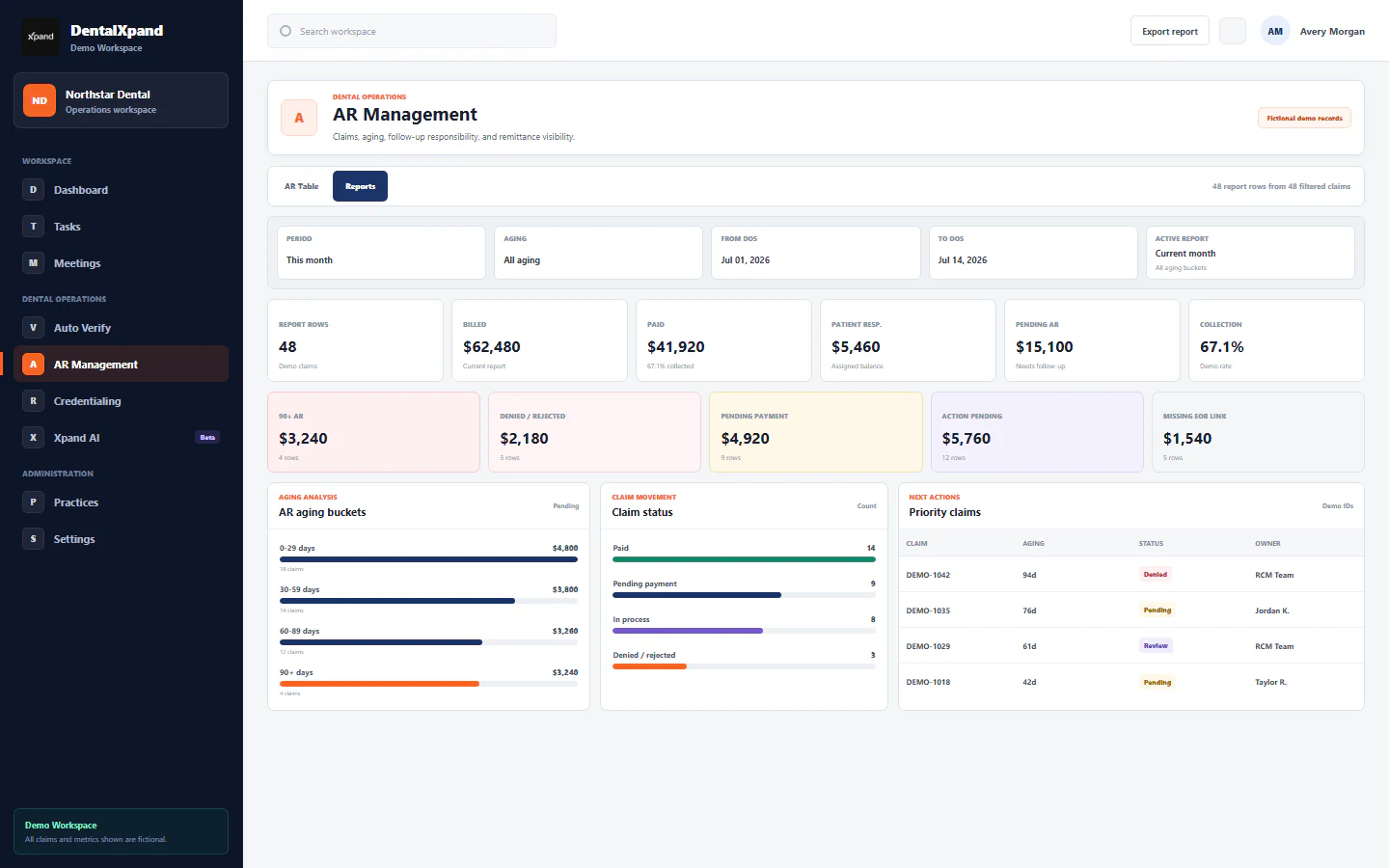
Illustrative outcome record. Payer support, enrollment, identifiers and PMS/version action scope apply. Completed required actions are skipped; missing benefits need follow-up before estimates.
↗Scheduled
Remittances without repeated downloading
Automatic ERA/EOB retrieval, matching and supported payment posting.
Review the match and posting results instead of repeatedly downloading the same remittance files.
Confirm payer/PMS action scope for your setup.
View workflow details +
- Starts when
- Configured retrieval when remittance files are available · Available ERA/EOB from a configured connected insurance source
- Xpand does
- Retrieves available remittances, matches patient/claim and runs enabled payment, PDF and note actions. Confirm any required review or approval steps for the configured workflow.
- Output
- Matched patient/claim and separate enabled payment, PDF and note outcomes
- Staff reviews
- Unclear matches and each failed or incomplete write outcome.
Steps and setup scope
- Retrieve available ERA/EOB files from configured connected sources; optional single-file or bulk upload is also supported
- Match the remittance to the patient and claim and cross-check the details
- Complete enabled PMS payment, PDF attachment and note actions, skipping required actions already updated; confirm payment, PDF and note outcomes separately before retrying failed actions
- Flag unclear or unmatched records for the appropriate reviewer; retry failed outcomes separately
Sample output · Automatic ERA/EOB retrieval, matching and supported payment posting.
- Match
- Patient and claim identified
- Payment
- Enabled write outcome recorded
- PDF / note
- Separate outcome statuses recorded
- Exception
- Unclear match flagged; failed action retained for retry
Illustrative outcome record, not a customer result. Availability, enrollment and enabled payment/PDF/note actions vary by source, PMS version and practice setup. A retrieved document does not prove every write succeeded. Standard plans include unlimited supported payment posting with no extra posting fee; Custom terms are by agreement. View payment posting and plan details →
↗Scheduled
Secondary claim details kept together
Automatic secondary claims with the primary response in context.
Carry the primary response into automatic secondary claim submission.
Confirm payer/PMS action scope for your setup.
View workflow details +
- Starts when
- Configured automatic secondary submission · Primary insurance response and the patient/claim details needed for secondary coverage
- Xpand does
- Submits the secondary claim automatically through the configured supported route.
- Output
- Secondary submission outcome and unresolved items for follow-up
- Staff reviews
- Missing details, payer errors and the secondary submission outcome. No primary submission.
Steps and setup scope
- Use the primary response and matching claim context
- Prepare the supported secondary claim with required details
- Xpand submits the secondary claim automatically through the configured supported route
- Keep missing details or returned errors with the claim for follow-up
Sample output · Automatic secondary claims with the primary response in context.
- Primary response
- Linked to the claim context
- Scope
- Automatic secondary submission only
- Submission
- Outcome retained for follow-up
- Exception
- Missing data or returned error needs attention
Illustrative workflow. Xpand submits secondary claims automatically; it does not submit primary claims. Payer requirements, enrollment, connection and enabled action scope apply. Confirm the enabled production route, required enrollment and returned submission outcome for your setup.
↗User-started
Stop rediscovering the same claim
Claim-status checks with the next action in view.
Help billers spend their attention on unresolved balances.
Confirm payer/PMS action scope for your setup.
View workflow details +
- Starts when
- Start batch claim checks · Claims worklist with patient, payer and service date
- Xpand does
- Collects supported claim-status responses and prepares follow-up results.
- Output
- Returned statuses and an exportable follow-up report
- Staff reviews
- Payer messages, denied or unresolved balances and the assigned next action.
Steps and setup scope
- Import the claim worklist
- Collect supported payer responses
- Prioritize exceptions and export results
Sample output · Auto AR claim checks
- Paid
- Response available · review payment details
- Denied
- Payer reason returned · assign next action
- Pending
- Keep next check visible
- Official ERA / EOB
- Separate remittance connection and matching file required
A status PDF organizes the response; it is not an official carrier EOB.
↗Assisted
Less benefit-form retyping
Structured benefits forms with the source in view.
Reduce repeated copying while keeping the source in view.
Confirm payer/PMS action scope for your setup.
View workflow details +
- Starts when
- Prepare the benefit form · Supplied or returned benefit information
- Xpand does
- Organizes supplied or returned benefit information into structured fields.
- Output
- Structured coverage, deductible and maximum fields
- Staff reviews
- Source accuracy and missing details before using the form.
Steps and setup scope
- Add the benefit source
- Prepare structured fields
- Check details before using the form
Sample output · VOB Auto-Fill
- Eligibility
- Recorded from source
- Deductible
- Source amount retained
- Annual maximum
- Source amount retained
- Unreturned details
- Left for follow-up
Form preparation organizes supplied information; it does not create a new payer response.